The BuildKeeper mobile app allows you to enter and track time from your smartphone. If you are a Full level or Manager level user, you can also:
- Create timecards for the team that reports to you.
- Review and approve timecards that your team has submitted.
For crews that are always working at job sites, the mobile app is a convenient sidekick. You can easily enter your hours on a daily basis without having to come into the office or sit in front of a computer.
To download the app:
Get BuildKeeper for iPhone on Apple App Store
- From your iPhone, go to the App Store by tapping the
 icon.
icon. - Tap Search at the bottom of your screen.
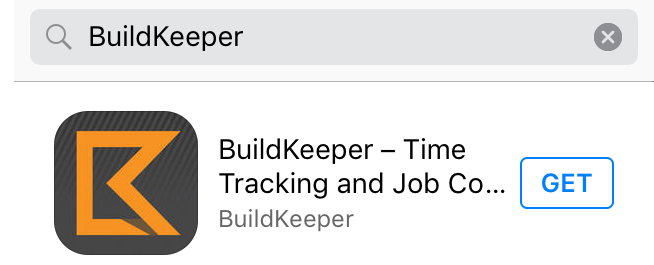
- In the search bar at the top enter "BuildKeeper" as one word.
- Tap the GET button on the search result:
- Tap INSTALL.
- After the app has finished downloading, tap OPEN.
Get BuildKeeper for Android on Google Play
- From your Android smartphone, go to the Play Store by tapping the
 icon.
icon. - At the top of your screen, tap Google Play.
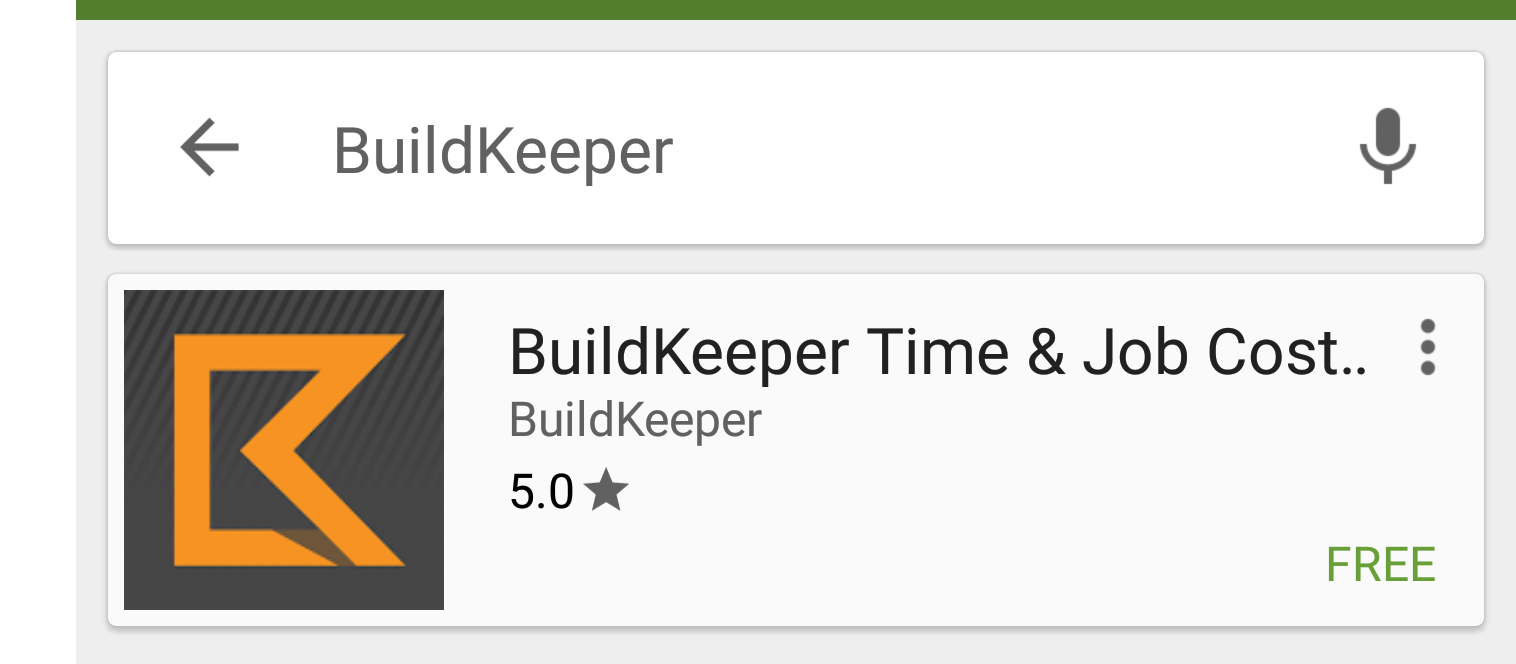
- Where it says Search Google Play, enter "BuildKeeper" as one word.
- Select the BuildKeeper tile from the search results:
- Tap INSTALL -> ACCEPT.
- After the app has finished installing, tap OPEN.