*Plus & Pro Plans Only
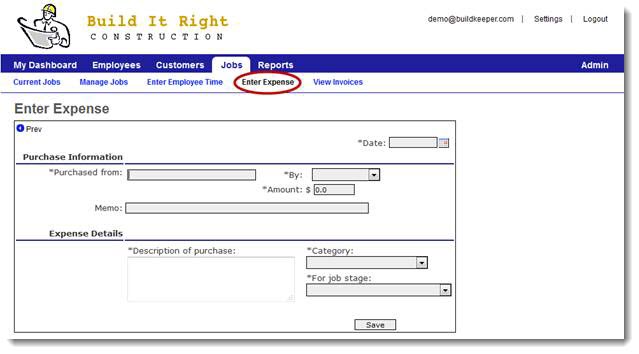
In addition to tracking material cost, BuildKeeper also gives you the option of tracking other types costs. To add an expense, go to the Jobs tab and select Enter Expense.
Be sure to complete all the required fields. After submitting the entry, a unique ID number will be generated. We recommend you write this ID number on the original receipt to mark that the expense has been entered. You can also use the ID number for later reference.